

Monetize Your App on EVM
Introduction
Integrate in-app swaps to let users trade seamlessly and at the best prices. As your app grows, you can monetize trades with low-friction strategies to generate revenue and build a sustainable Web3 business.
See our Monetization Report to learn how top DeFi apps are turning trading activity into millions.
See below for pricing guidance, code examples, and a live demo.
Monetization Options
Out-of-the-box, 0x Swap API offers two monetization options:
- Affiliate fees (aka trading fee or commission) – Available on all pricing plans.
- Trade surplus (aka positive slippage) – Available to select integrators on custom plans. For assistance with setting up a custom plan, please contact support.
Option 1: Collect affiliate fees
0x supports multiple affiliate fee (trading fees/commissions) within a single swap request. This allows you to route fees to multiple recipients with independently specified fee amounts — perfect for multi-product apps, partner revenue-share setups, or flexible monetization strategies.
To apply affiliate fees, include the following parameters in your Swap API request:
swapFeeRecipient- The wallet address to receive the specified trading fees (supports single or multiple comma-separated values).swapFeeBps- The fee amount(s), in basis points, to send to each correspondingswapFeeRecipient. Denoted in basis points (0–1000 Bps = 0–10%).swapFeeToken- The contract address of token in which fees should be paid. This must be set to either the value ofbuyTokenor thesellToken.
Example API call
When the transaction has gone through, the fee amount indicated by swapFeeBps will be sent to the swapFeeRecipient address you’ve set. The fee is received in the swapFeeToken.
If you would like to receive a specific type of token (e.g. USDC), you will need to convert those on your own.
Displaying fees in the UI
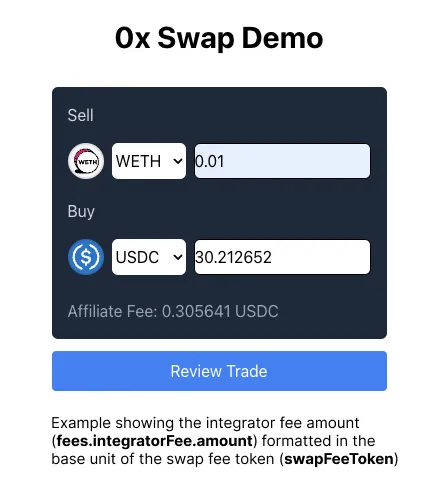
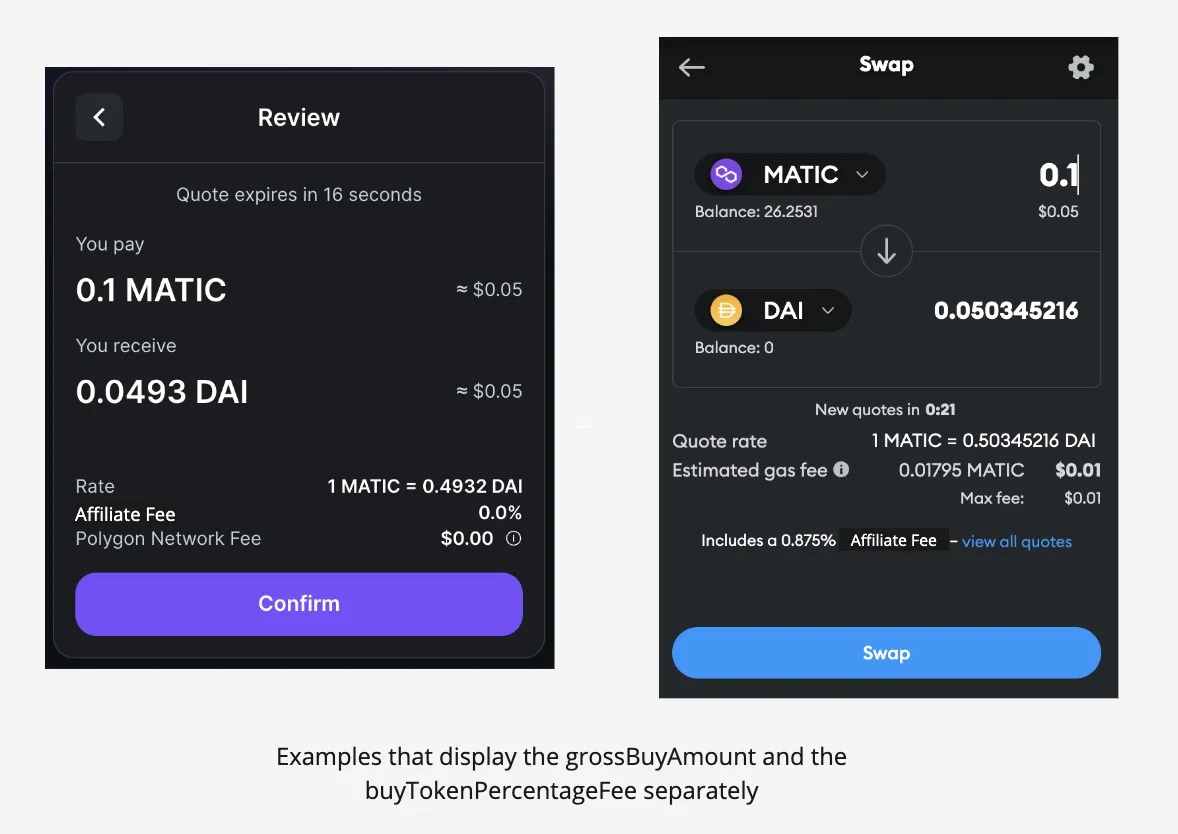
The fee amount is returned in the fees.integratorFee object. Two recommended methods to display the fees are:
- display the
fee.integratorFee.amount(make sure to consider the token’s base units) - display the
swapFeeBpsand theswapFeeTokenseparately
A Note On How fee.integratorFee.amount Is Calculated
Read more
The amount is calculated from (swapFeeBps/10000) * sellAmount (in the sellToken base unit).
For example, to take a 1% fee on selling 100 USDC,
sellToken=0xA0b86991c6218b36c1d19D4a2e9Eb0cE3606eB48(USDC)sellAmount=100000000(USDC has a base unit of 6 decimals)swapFeeBps=100(1% fee)
The fee amount would be 1000000, which is 1 USDC.
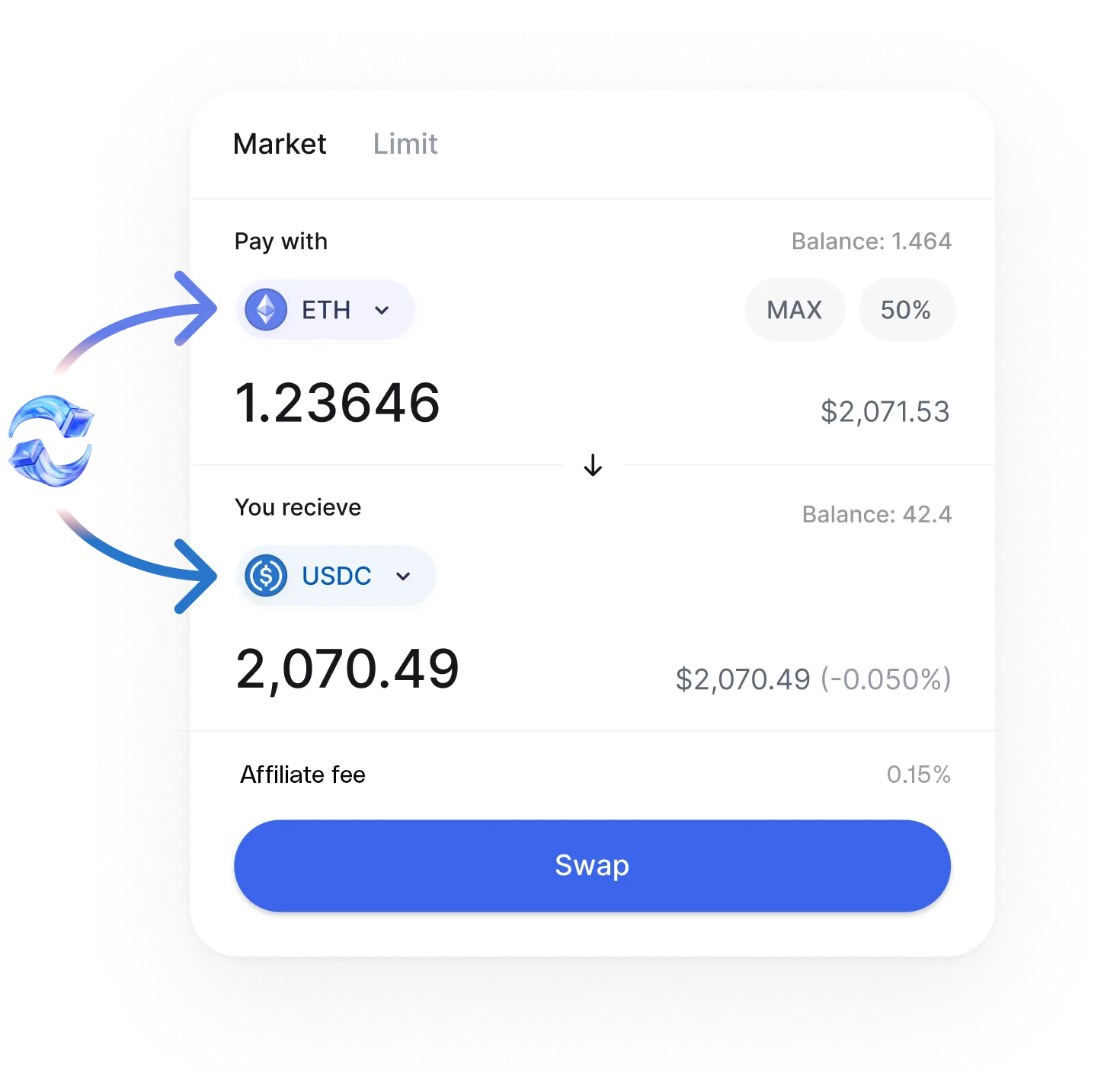
The following are examples from different apps that show these two options.
Pricing considerations
When deciding how much to set your fee amount, consider the following. We recommend setting your pricing in a way that strengthens your bottom line, aligning it with the value you provide to customers while considering any transaction costs. Note that the additional affiliate fee will impact the price for the end user, so find that sweet spot where your solution remains competitive and impactful.
Be aware that swapFeeBps has a default limit of 1000 Bps for security. If your application requires a higher value, please reach out to us.
Option 2: Collect trade surplus
Collecting trade surplus (positive slippage) is only available for select integrators on a custom pricing plan. For assistance with setting up a custom plan, please contact support.
Trade surplus, also known as positive slippage, occurs when a user receives more tokens than their quoted amount. The tradeSurplusRecipient parameter lets you direct this surplus to a specific wallet. This parameter can be set in a Swap API request to automatically route surplus when applicable.
How it works
-
tradeSurplusRecipient— the wallet address that will receive any trade surplus. When set, 100% of the surplus is sent to this address. -
Token type — surplus is always in the buyToken. If you want a different token (e.g., USDC), you must handle conversion yourself.
-
Default behavior — if
tradeSurplusRecipientis not specified, the surplus goes to thetaker. For integrators not on a custom plan, surplus is collected by 0x.