

Gasless API allows developers to create the smoothest trading experience in DeFi by abstracting away the complexities related to approvals, allowances, and swaps for their users.
Enabling Gasless API in your app allows you to:
Make sure to read Understanding Gasless API for an in-depth understanding of how it works, key terms, and technical flow charts for how to implement in-app.
Follow along locally with the example code: https://github.com/0xProject/0x-examples/tree/main/gasless-v2-headless-example
Try this code example directly in your browser—no installation needed!
Get a 0x API key
Get an indicative price using /gasless/price
Get a firm quote using /gasless/quote
Submit the transaction using /gasless/submit
a. Sign the gasless approval object (if applicable)
b. Sign the trade object
c. Split the signatures
d. Package signed objects into a format that can be POST to /submit
e. Compute trade hash
Check the trade status using /gasless/status/{tradeHash}
Checkout the Gasless API Runnable Headless Example to see these steps in action
Every call to a 0x API must include a 0x API key. Get one from the 0x Dashboard.
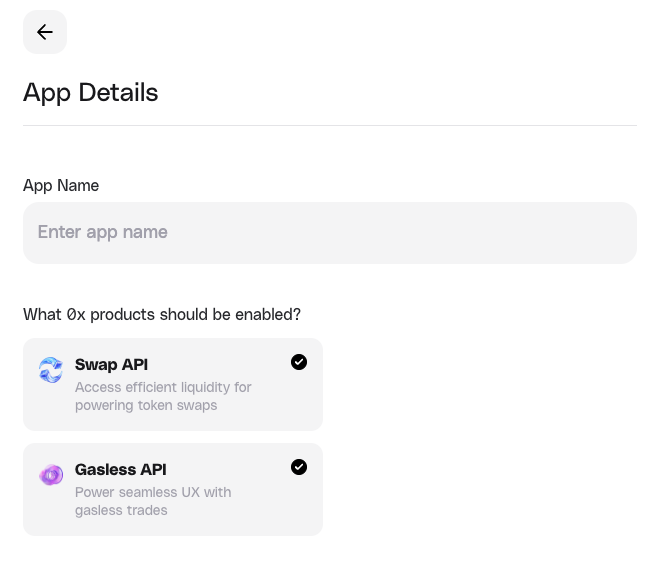
You will be able to enable Gasless API in your app from “App Settings” in your 0x dashboard. You can enable it for any active apps you have (see screenshot).
Use /gasless/price to get the indicative price. This is used when the user is just browsing for the price they could receive on the specified asset pair, but they are not ready to submit the quote yet.
This endpoint responds with pricing information, but the response does not contain a full 0x order, so it does not constitute a full transaction that can be submitted to the Ethereum network (you must use /gasless/quote for this). Think of /price as the the “read-only” version of /quote.
Here is an example indicative price request to sell 100 USDC for WETH using /price on Base (8453):
When the user has found a price they are happy with and are ready to fill a quote, they should request a firm quote from Gasless API using the /gasless/quote endpoint.
Quotes expire in ~ 30s in order to ensure freshness. Make sure to take this into account when building your app with a timer and/or automatic refresh.
Here is an example to fetch a firm quote to sell 100 USDC (supports Permit) for WETH (does not support Permit) using /quote on Polygon (137):
If liquidity is available, 2 objects may be returned:
approval: This is the “approval” object which contains the necessary information to process a gasless approval. See the quote response for an example.
null, and you must use the standard approval flow to set a token allowance. NEVER SET AN ALLOWANCE ON THE SETTLER CONTRACT./gasless-approval-tokens endpoint.trade: This is the “trade” object which contains the necessary information to process a gasless trade. See the quote response here.
When user accepts the quote and wants to submit the trade, use /gasless/submit to send both signatures back along with the payload from /gasless/quote.
In order to submit the trade, we must complete the following:
Once the user has signed, split, and submitted both signatures - gasless approval (if applicable) and gasless trade - and a tradeHash is returned from /submit, you can poll /gasless/status/{tradeHash} to check the status of the trade.
If you receive an error response, see the /status response in the Gasless API reference
Once the trade is successful, you can display the transaction confirmation to your user.
Use /gasless/gasless-approval-tokens to get token addresses that support gasless approvals on each chain.
Use /gasless/chains to get a list of supported chains for gasless.